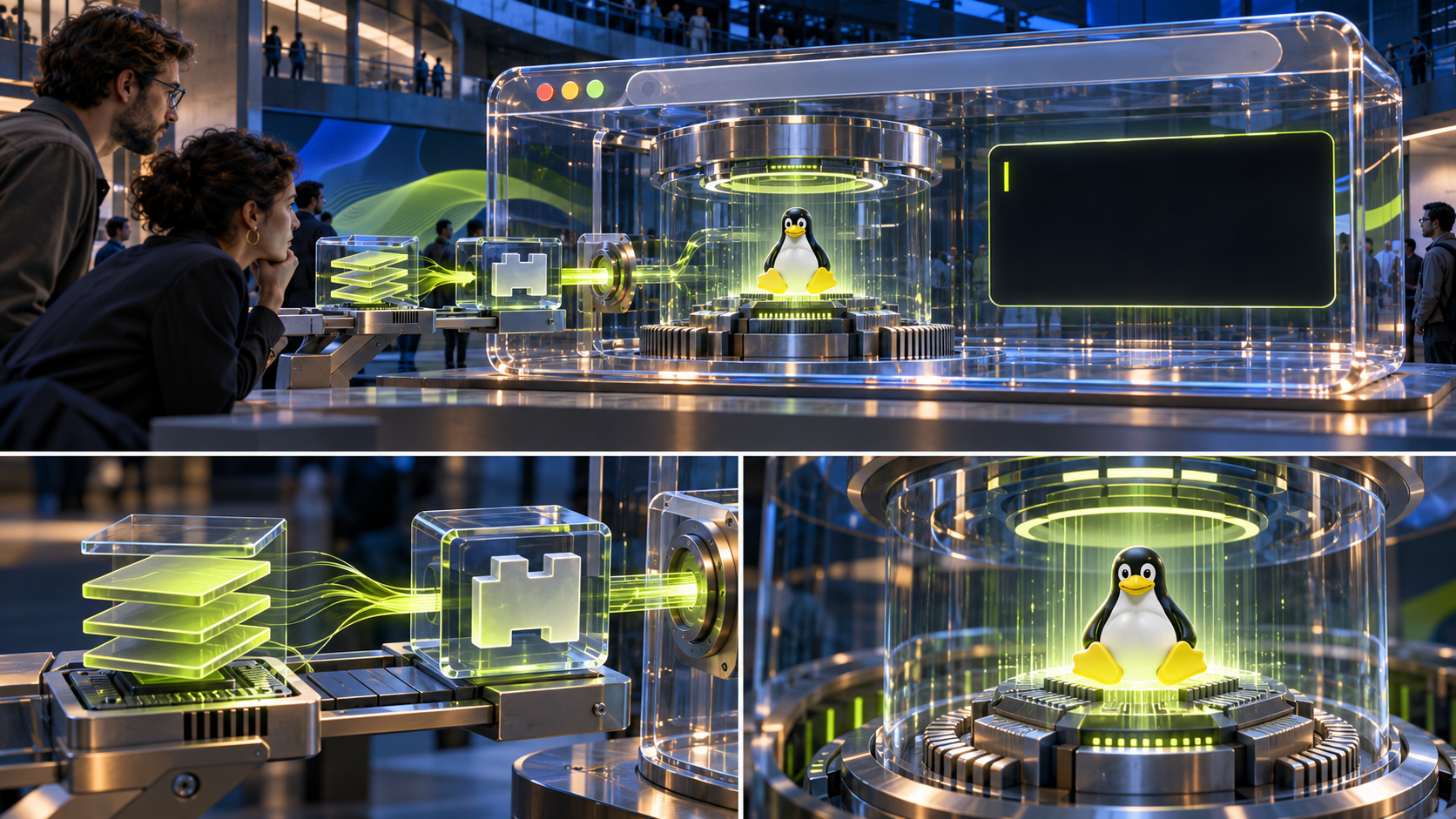
Unkernel boots what its developer describes as a real Linux kernel compiled to WebAssembly directly in a browser. The project’s official page says the kernel reaches a shell in less than a second and requires JavaScript to load. The new fact is not simply that a terminal appears on a website: the Linux kernel itself has been built for a browser-compatible execution format.
For teams that demonstrate technical products, document command-line procedures or introduce staff to Linux concepts, this changes the delivery mechanism. A visitor opens a page instead of first installing an operating system, configuring a virtual machine or connecting to a remote Linux host. The available evidence supports that narrow browser-to-shell path; it does not establish a complete replacement for those environments.
Unkernel moves the kernel into the page
Compiling software to WebAssembly means producing instructions for a runtime that browsers can execute. In Unkernel’s case, the artifact being compiled is the Linux kernel, according to the project page. JavaScript is still required by the page, so the mechanism should not be described as a JavaScript-free Linux system. The page uses the browser environment to start the WebAssembly build and expose the resulting shell.
This differs from placing a visual terminal over an unidentified remote machine. Unkernel’s stated mechanism locates the kernel execution in the browser-facing WebAssembly path. However, the source does not publish enough architectural detail to determine which surrounding components run locally, how system calls are implemented or what browser facilities back storage and networking.
The shell confirms that the boot process reaches a command interface. It does not, by itself, identify the supported commands, packages, devices or kernel features. Those properties depend on what the project includes around the compiled kernel, and the supplied source does not document them.
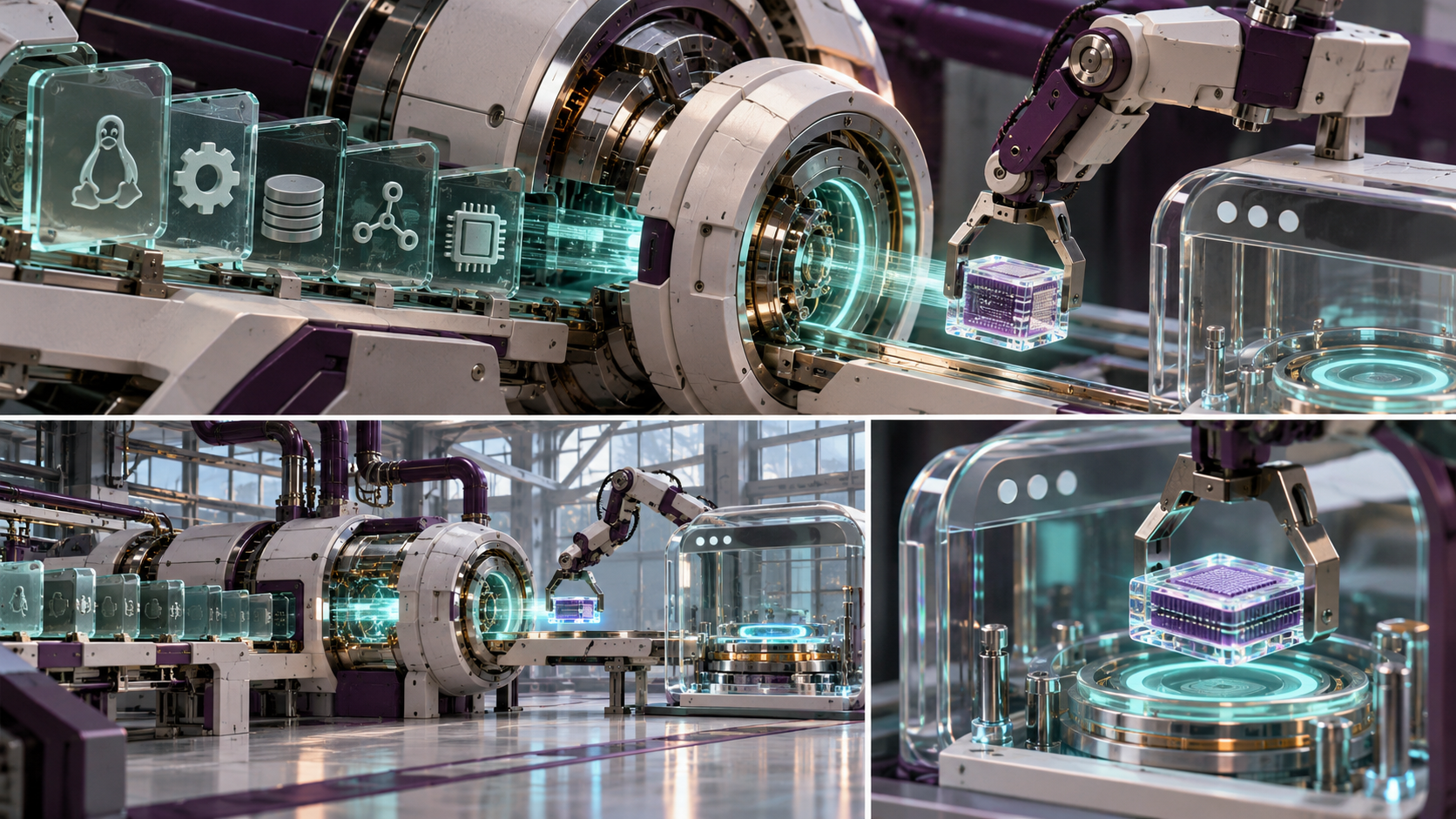
Conceptual illustration of the kernel-to-WebAssembly compilation path, not a photograph of Unkernel.
The browser becomes the delivery route
The immediate benefit is reduced access friction for a Linux demonstration. The Unkernel page states that it boots in less than a second, placing the shell behind a normal page load rather than a separate operating-system installation. That is useful evidence for rapid presentation, but it is not a broader performance benchmark.
Consider a hypothetical product onboarding flow for a command-line utility. Instead of asking every participant to prepare a Linux machine before a walkthrough, the trainer provides a browser exercise containing a controlled shell and the files required for the lesson. This example is hypothetical: Unkernel’s page proves the browser boot mechanism, not the presence of training controls, preloaded exercises or support for a particular utility.
The same distinction matters to commercial operations teams assessing an interactive product demo. Fast access can improve the opening step of a demonstration, but the business workflow still depends on whether the environment retains changes, imports files and supports the commands being shown. None of those capabilities is established by the current source.
A shell demo is not a production environment
A bootable shell demonstrates execution, not operating equivalence. The project page does not specify persistent storage, network access, package installation, process limits, browser compatibility or integration with local hardware. It also provides no evidence about concurrent users, workload isolation or long-running sessions.
Those omissions do not invalidate the mechanism. They define its demonstrated boundary. Unkernel shows that a Linux kernel compiled to WebAssembly can boot through its browser page. It does not show that an existing server workload can be moved there unchanged.
The browser requirement also remains part of the operating model. The source explicitly says JavaScript must be enabled. A team planning to embed the mechanism in documentation or a customer portal therefore needs to treat browser execution as a dependency, rather than describing the shell as an independent local application.
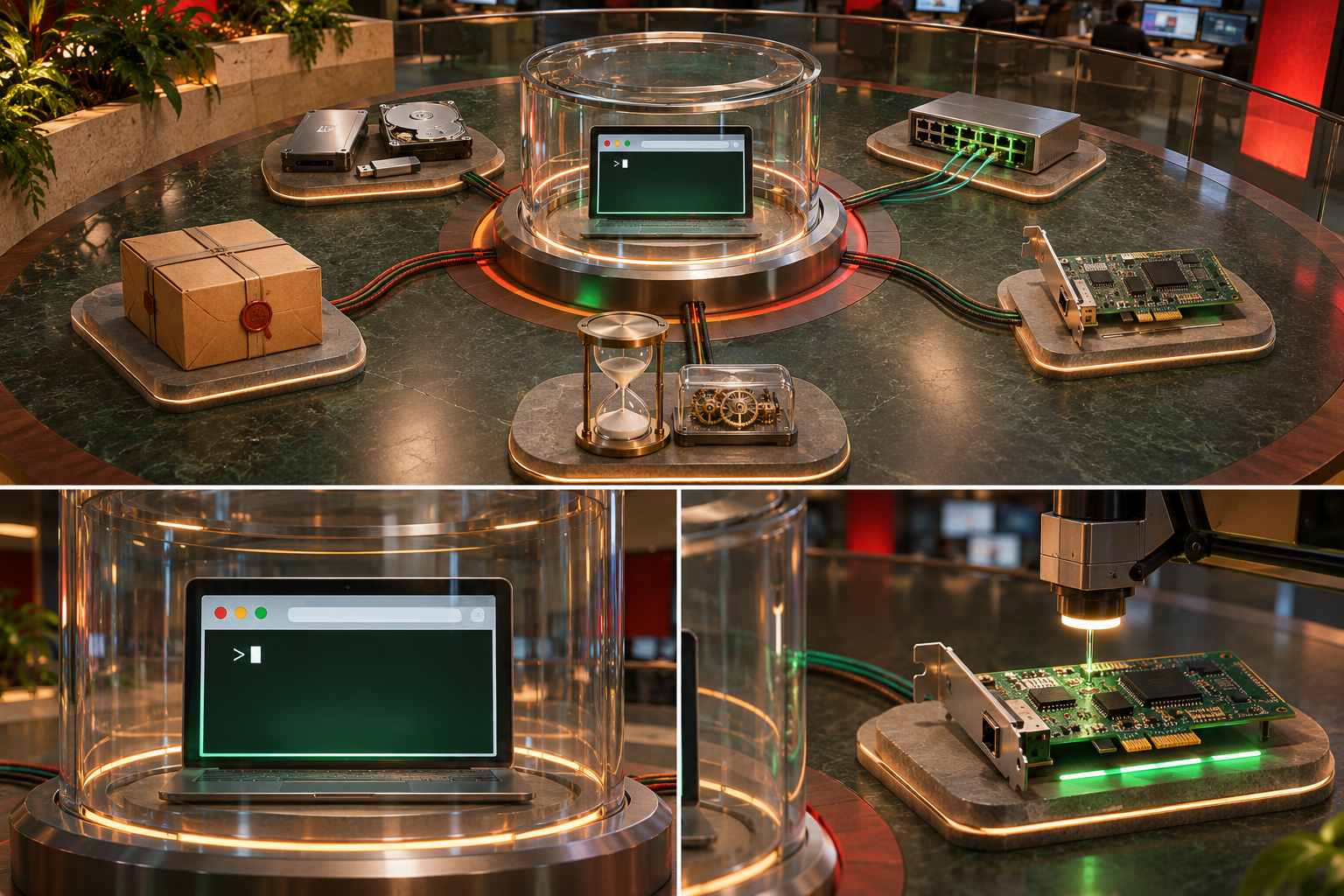
Conceptual illustration of capabilities that a successful browser boot does not establish.
Match the test to one named browser task
Evaluation should begin with the exact command sequence that users need, not with the general claim that Linux runs in the browser. For a documentation walkthrough, the relevant test is whether the published steps execute and whether the session begins in a predictable state. For a software demonstration, it is whether the required binary, files and input path exist in the browser environment.
Production questions require separate evidence. A successful shell boot says nothing about durable data, external services or sustained workloads unless those properties are tested and documented. The official page currently supplies no such results.
The practical decision is therefore narrow: use Unkernel’s current demonstration to assess browser-delivered shell interactions, not to infer server or desktop parity. The next evidence to watch is documentation of the supported kernel features, storage model, networking and session lifecycle; those details will determine whether the project remains a technical demonstration or supports repeatable operational workflows.