NVIDIA App now enables a setting that lets compatible AI agents control selected application functions. The setting is active by default and starts a local Model Context Protocol server through which an agent can inspect games, launch them and change supported settings, according to Next INpact.
The practical change is not the addition of another conversational interface. NVIDIA is exposing an action surface that a separate agent running on the computer can use. For teams operating gaming, demonstration or graphics-equipped machines, the relevant decision is whether that control surface serves an identified workflow.
The new switch exposes a local MCP control point
The option appears under a section for connecting agents and applications. When enabled, it opens an MCP server on the computer’s loopback address. NVIDIA identifies Hermes, OpenClaw and Perplexity’s local agent as examples of compatible software, as reported by Next INpact.
The mechanism has two distinct components. NVIDIA App provides the supported actions through its local server, while an MCP-compatible agent receives the user’s natural-language request and invokes the relevant action. The agent is therefore not clicking through the interface as a person would. It is using a connection designed to make application functions available to agent software.
That separates this feature from ordinary in-app assistance. A help system can explain where a setting is located; this MCP connection lets an external agent apply a supported change. The scope still comes from NVIDIA App rather than from an unrestricted ability to operate the entire computer.
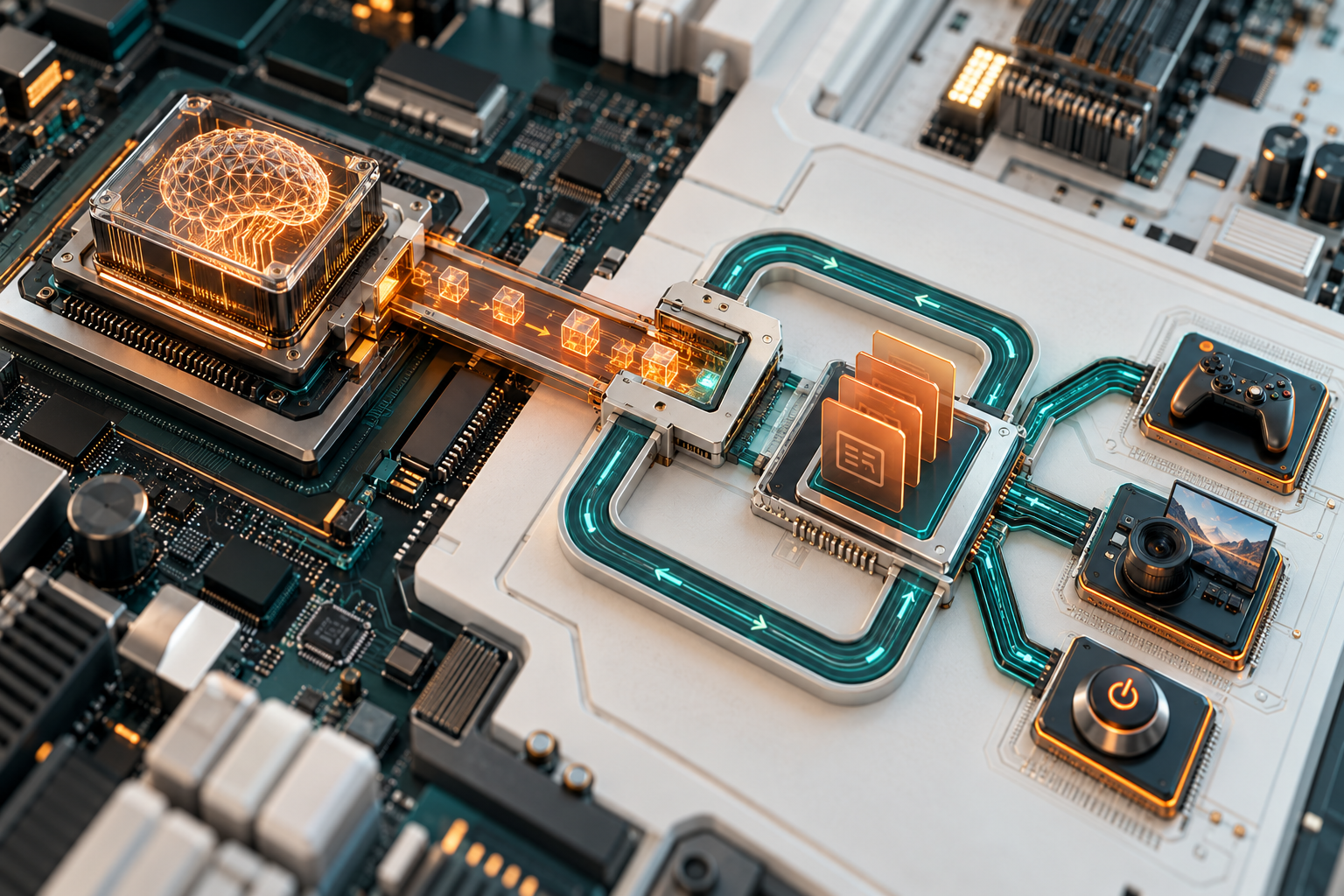
Conceptual illustration of the local MCP connection; it is not a photograph of NVIDIA’s service.
The command set reaches games, capture and power modes
Through the connection, an agent can view installed games, launch one and determine whether it is running. It can apply NVIDIA’s recommended game settings, record gameplay, take screenshots, operate the statistics overlay, adjust graphics settings, check the driver version and manage supported laptop performance features, Next INpact reports.
These actions make the interface relevant to a narrow operational task: preparing or changing a graphics workload without navigating several panels. The value depends on whether the machine already runs a compatible local agent and whether the required action is included in NVIDIA’s exposed command set.
Consider a hypothetical small game studio preparing a laptop for a customer demonstration. An operator could ask a compatible local assistant to check the driver, apply the supported settings for the installed game and launch it. The same interface could initiate a recording when the team needs demonstration footage. This example illustrates the mechanism; it is not a customer deployment reported by NVIDIA or the source.
The connection does not establish that every graphics option can be changed or that an agent can diagnose application quality. It exposes defined operations. Requests outside those operations still require another tool or direct use of NVIDIA App.
Default activation changes the endpoint decision
Because the option is enabled by default, users do not have to configure the connection before the local server becomes available. Conversely, a company can have the interface active even when it has no agent workflow that uses it, according to Next INpact.
The loopback address means the documented endpoint is local to the machine; it is not evidence that NVIDIA App accepts commands directly from the public internet. The meaningful boundary is between NVIDIA App and software already able to run on that computer. An MCP-compatible agent gains a route to the functions NVIDIA has exposed.
The available report does not establish what authentication, confirmation prompts, permission distinctions or action history accompany that route. It also does not demonstrate how the interface behaves when several compatible agents are present. Those are unresolved product details rather than grounds for claiming either unrestricted access or complete protection.
For an SME managing shared gaming rigs, creative workstations or event demonstration laptops, the default therefore deserves an explicit functional decision. The question is not whether AI agents are useful in general, but whether one approved local agent needs to operate NVIDIA App on each relevant machine.
Turn it off when no local agent needs the app
NVIDIA provides a direct way to disable the setting. When users turn it off, the MCP server stops operating, Next INpact states. That makes the choice reversible through the application rather than requiring removal of NVIDIA App.
Leaving the option enabled has a concrete purpose only when a compatible agent must launch games, inspect their state, change supported settings, manage capture functions or adjust the listed laptop modes. Without such a task, disabling it removes an unused agent connection. With such a task, the remaining point to verify is whether NVIDIA documents the permissions and confirmations needed for the intended workflow.
Conceptual illustration of enabling the connection only where a local agent needs it; not a photograph of the product interface.