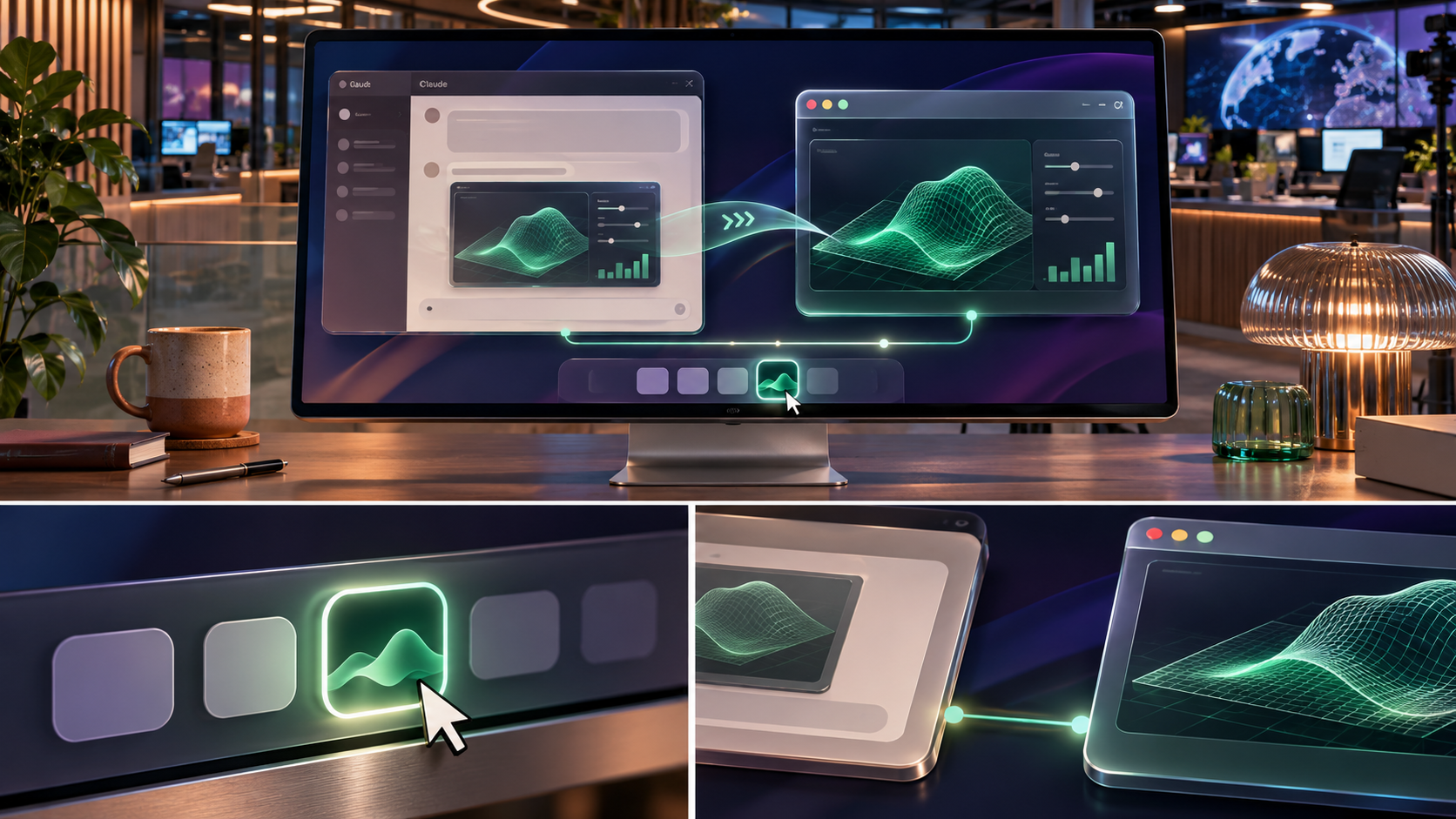
Claude can now install an artifact as a desktop application from its Windows and macOS client. The beta feature, available after updating the desktop software, moves an artifact from Claude’s internal workspace into a dedicated window that can be opened from the taskbar or Dock, according to Next INpact.
For a commercial operations team, the immediate use case is a small interactive tool that people reopen frequently: a sales briefing interface, a document generator or a structured worksheet, for example. The installation option reduces the steps required to reach that tool. It does not make the artifact independent of Claude.
Installation changes access, not the underlying runtime
Artifacts are web-based objects that Claude creates from a conversation. They can range from documents, tables and charts to interactive tools or games. Until this release, users opened them from a dedicated section inside Claude, where they could also revise them through prompts or share them with other people, as Next INpact reports.
“Install as app” gives the selected artifact a separate application window. The result resembles a web application installed through a compatible browser rather than conventionally packaged desktop software. There is no packaging or code-signing step, but Claude must remain present on the computer.
That distinction defines the feature’s value. A frequently used artifact can gain a direct launcher and a less cluttered working surface. It does not become a self-contained executable that an organisation can run without the Claude application.
Permissions determine what the installed artifact can do
An installed artifact starts with the permissions of a web page. Access to system functions such as the microphone or camera requires an additional authorisation. Users can also grant notifications, foreground display, global shortcuts or complete access to the computer, according to the source’s account of the available settings.
| Operating choice | Reported behaviour | Appropriate criterion |
|---|---|---|
| Default web permissions | The artifact remains limited to web-page capabilities | The workflow only needs content and interaction inside its window |
| Selected system permissions | Specific functions such as the camera, microphone, notifications or global shortcuts are authorised | The task has a defined need for that particular function |
| Complete computer access | The artifact receives broader access to the machine | The workflow cannot operate with narrower permissions |
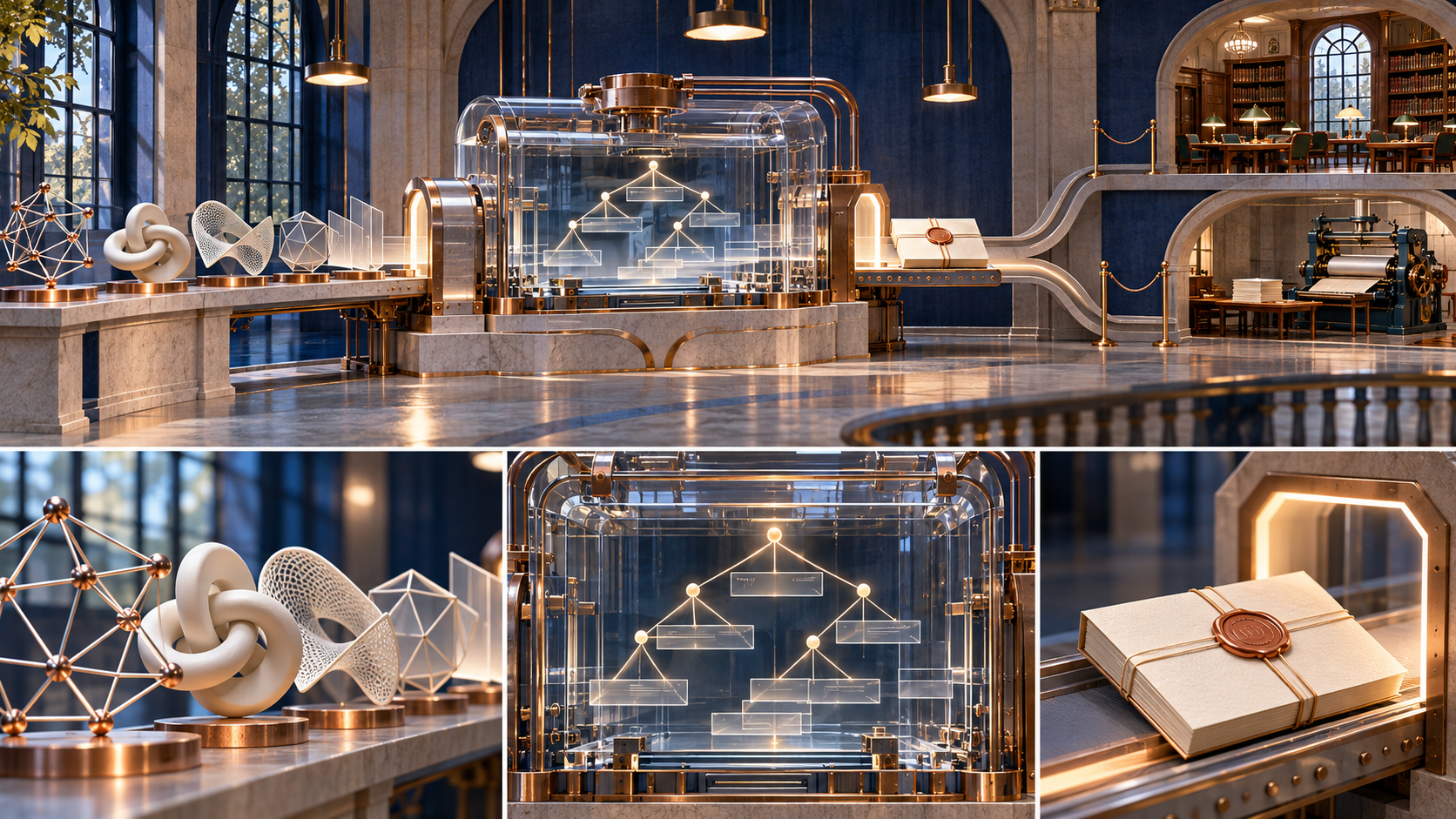
The table describes permission choices reported for the beta, not separate product editions. For an operations owner, the deciding question is therefore functional: what exact action must the installed artifact perform beyond displaying and processing information in its own window?
A hypothetical sales call assistant that only formats notes may remain within ordinary web permissions. One designed to capture audio would require microphone access. Installation alone does not justify that permission; the requested function does.

Conceptual illustration of the permission boundaries around an installed artifact, not a photograph of the service.
Claude handles identity without a separate API key
The installed application uses the user’s Claude account. Next INpact states that this removes the need for a separate connection or API key for the artifact. This makes the new option distinct from building and operating a conventional application around an external model API.
For small internal tools, that can remove a setup step. A commercial operations team can keep using the artifact created in Claude while giving regular users a direct desktop entry point. The account dependency remains, however: the dedicated window is a different route into the artifact, not a new identity or deployment system.
The available report does not establish how centrally managed deployment, permission administration, artifact version changes or organisation-wide distribution work. Those questions matter when a tool moves beyond an individual user’s desktop, but they are not answered by the installation announcement.
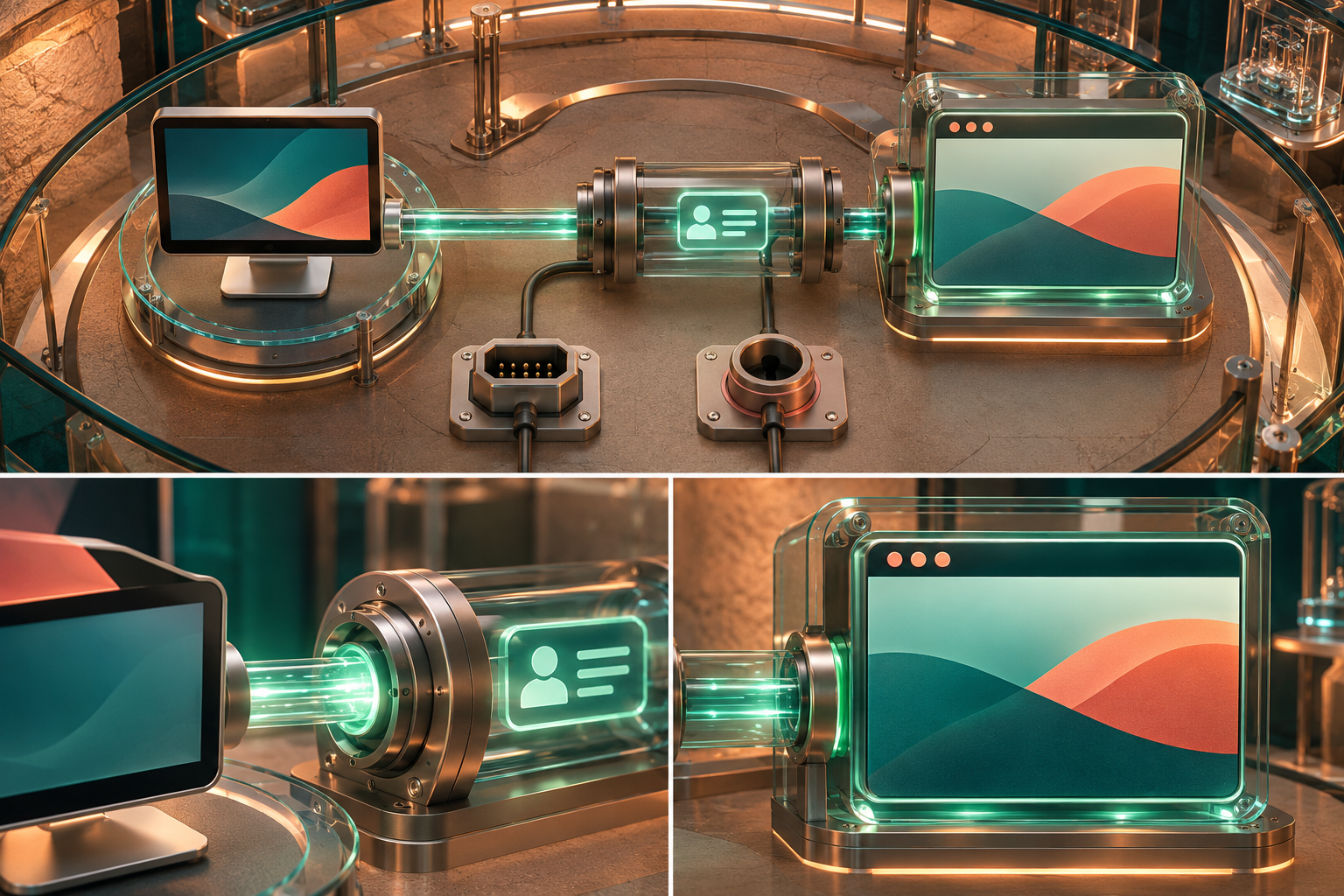
Conceptual illustration of account-based access without separate application credentials, not a real service interface.
Keep the artifact in Claude when iteration is the main task
Installation is useful when an artifact already performs a stable, recurring job and direct launch is the missing convenience. Keeping it in Claude is the clearer option while users are still changing its behaviour through prompts, comparing versions or deciding which system capabilities it needs.
Waiting also makes sense when the intended use requires distribution as independent software. The reported beta still requires Claude, uses the user’s Claude account and produces a web application rather than a separately packaged and signed program. A dedicated window should not be mistaken for deployment independence.
The immediate decision is narrow: install an artifact when repeated desktop access solves a real operating friction and its required permissions are understood. For broader team rollout, the element to watch is whether Anthropic documents central distribution and permission controls beyond the individual desktop experience.